 Multipad
Every table at a glance
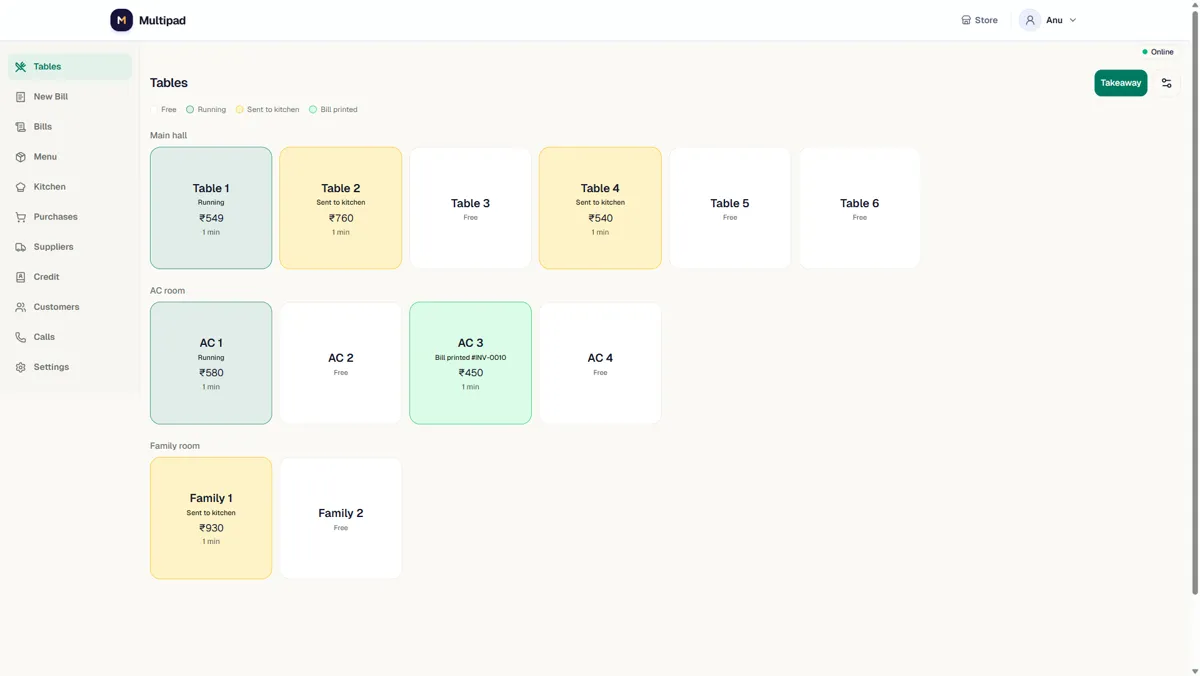
Free, running, sent to the kitchen or bill printed: each table shows its colour, its amount and how long it has been open. Group tables by hall, AC room or family room.
For restaurants, cafes and tea shops
Tables, KOT, a kitchen screen and thermal printing, on your counter PC and on your phone. One app for the whole restaurant.
Simple enough for new staff on their first day, fast enough for a full house.
Free, running, sent to the kitchen or bill printed: each table shows its colour, its amount and how long it has been open. Group tables by hall, AC room or family room.
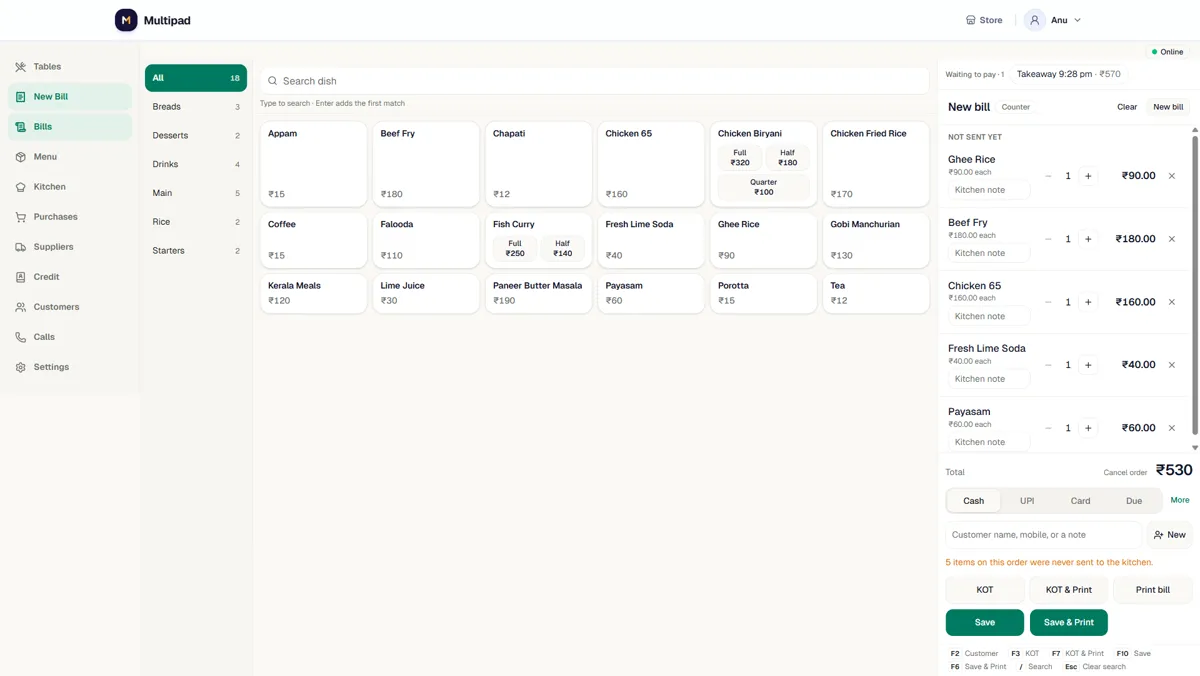
Tap a dish or type its name. Full, Half and Quarter sizes on one tile. Keyboard shortcuts for every button, so a takeaway bill takes seconds.
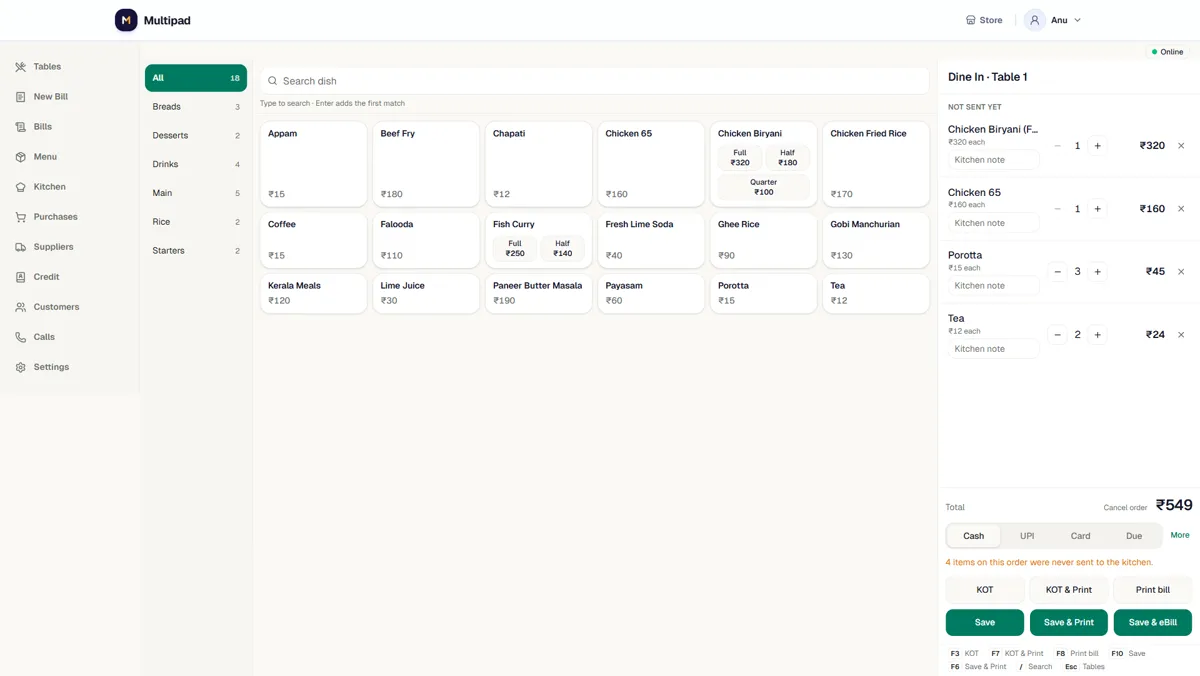
Send the order to the kitchen with one tap. The kitchen screen lists each table's dishes, and the cook taps Ready when it is done.
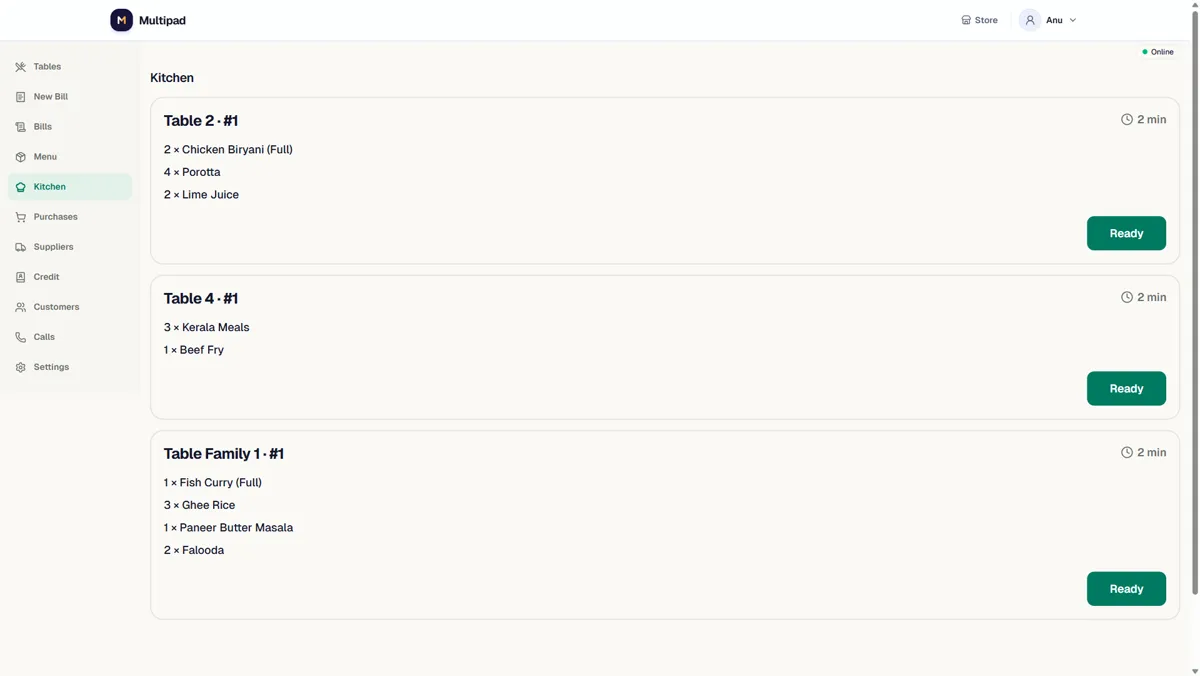
The Windows app prints KOT and bills straight to your 58 mm or 80 mm printer. A separate KOT printer for the kitchen, and the cash drawer opens on a cash bill.
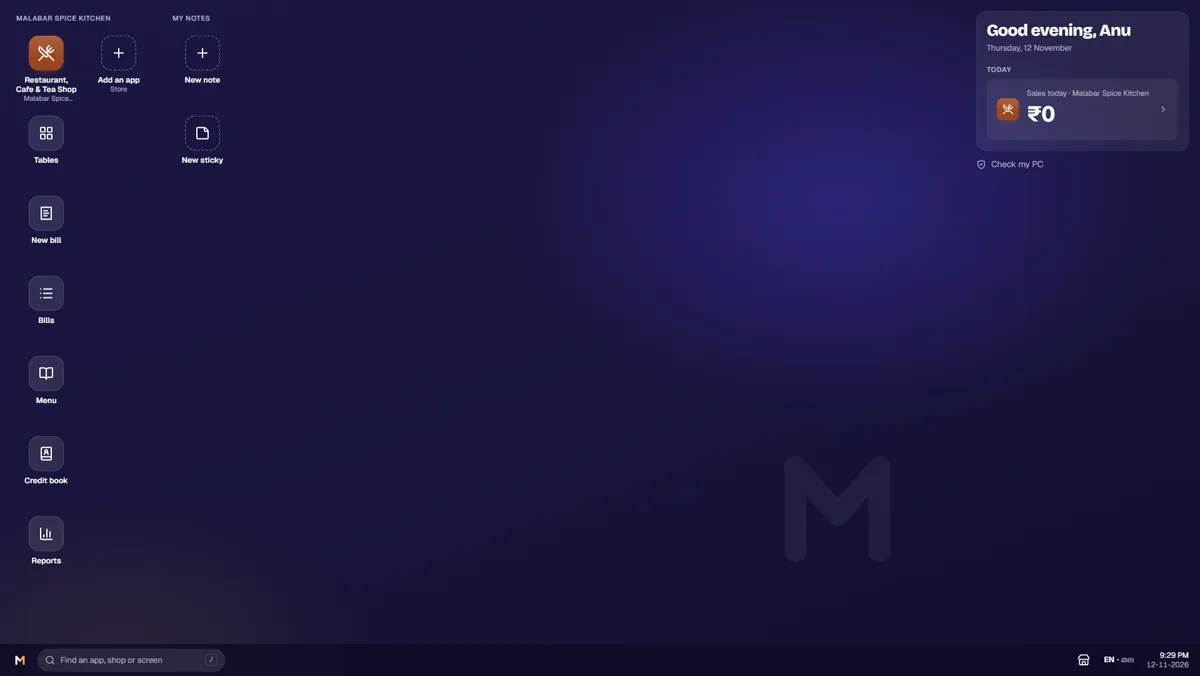
The Windows app keeps billing when the internet goes, and uploads the bills when it comes back.
Send the bill to the customer's phone as a link. No paper needed.
The Multipad Android app has the same menu, tables and bills as the counter PC.
A waiter takes the order at the table, and the KOT prints at the counter.
Turn a takeaway bill into a delivery order with the address and cash to collect.
Sign in with your mobile number. No passwords to remember.
Message us and we will show you how it works.
Or email info@multipad.in